
Silakan coba lagi dalam beberapa saat.
Nikmati benefitnya:

Kursi lega & recline
lebih dalam

Masuk kabin lebih
awal
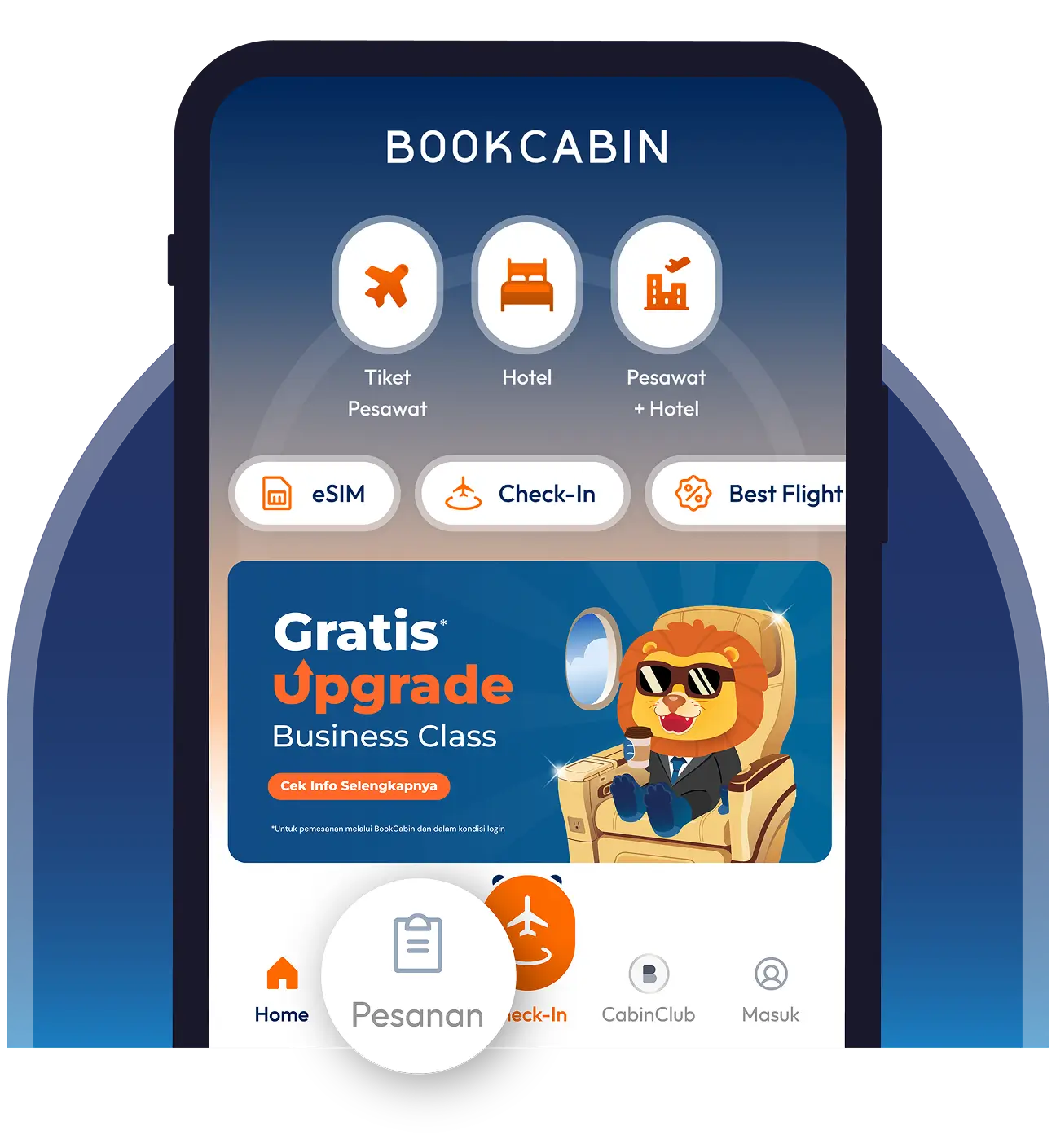
Buka aplikasi atau website BookCabin dan klik menu “Pesanan”.
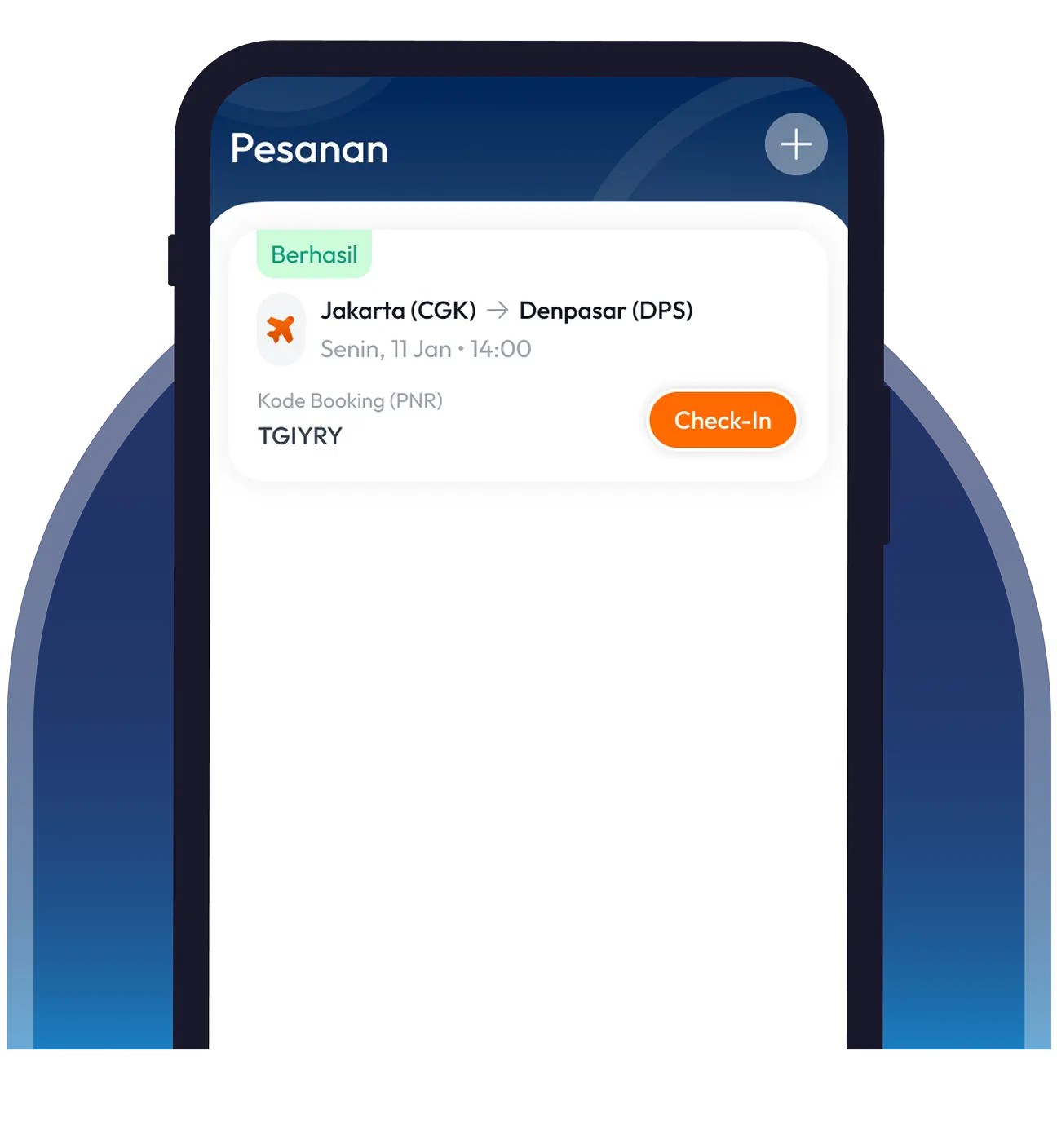
Klik detail penerbangan yang akan dilakukan Last Minute Upgrade.
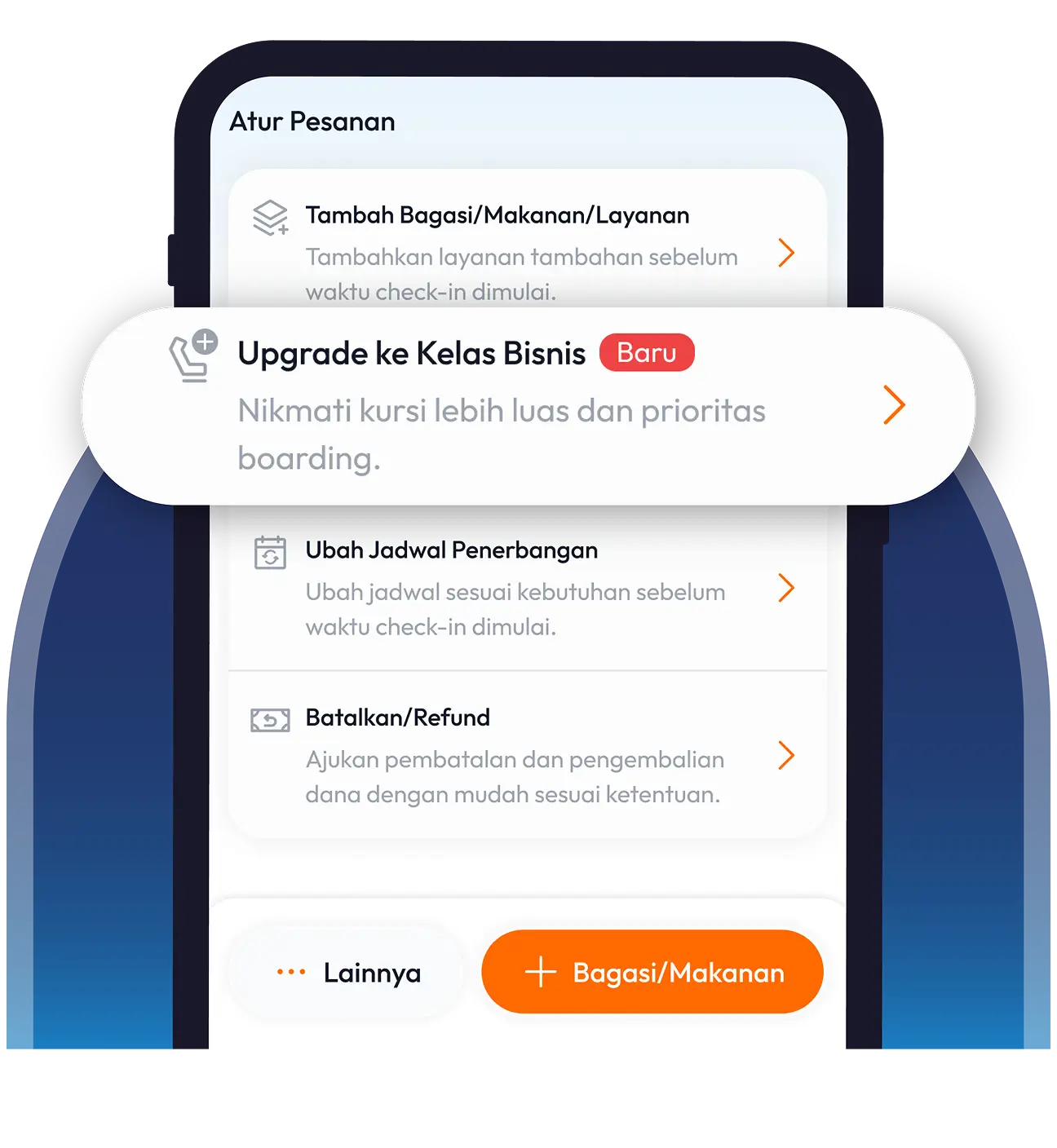
Di halaman detail pesanan, scroll ke bagian bawah dan pilih “Upgrade ke Kelas Bisnis”.
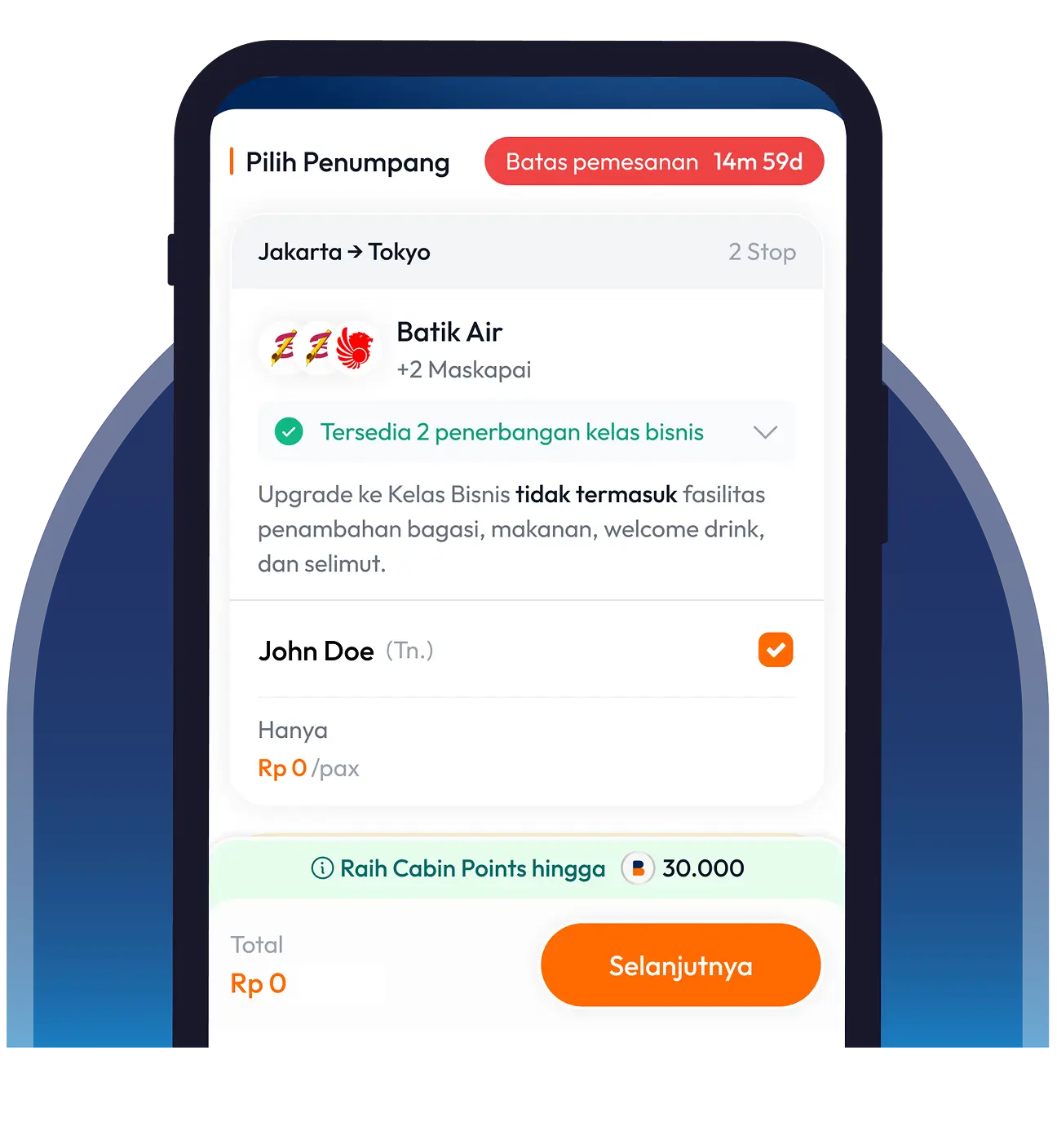
Pilih penumpang untuk upgrade. Jika memenuhi syarat, upgrade akan otomatis menjadi gratis
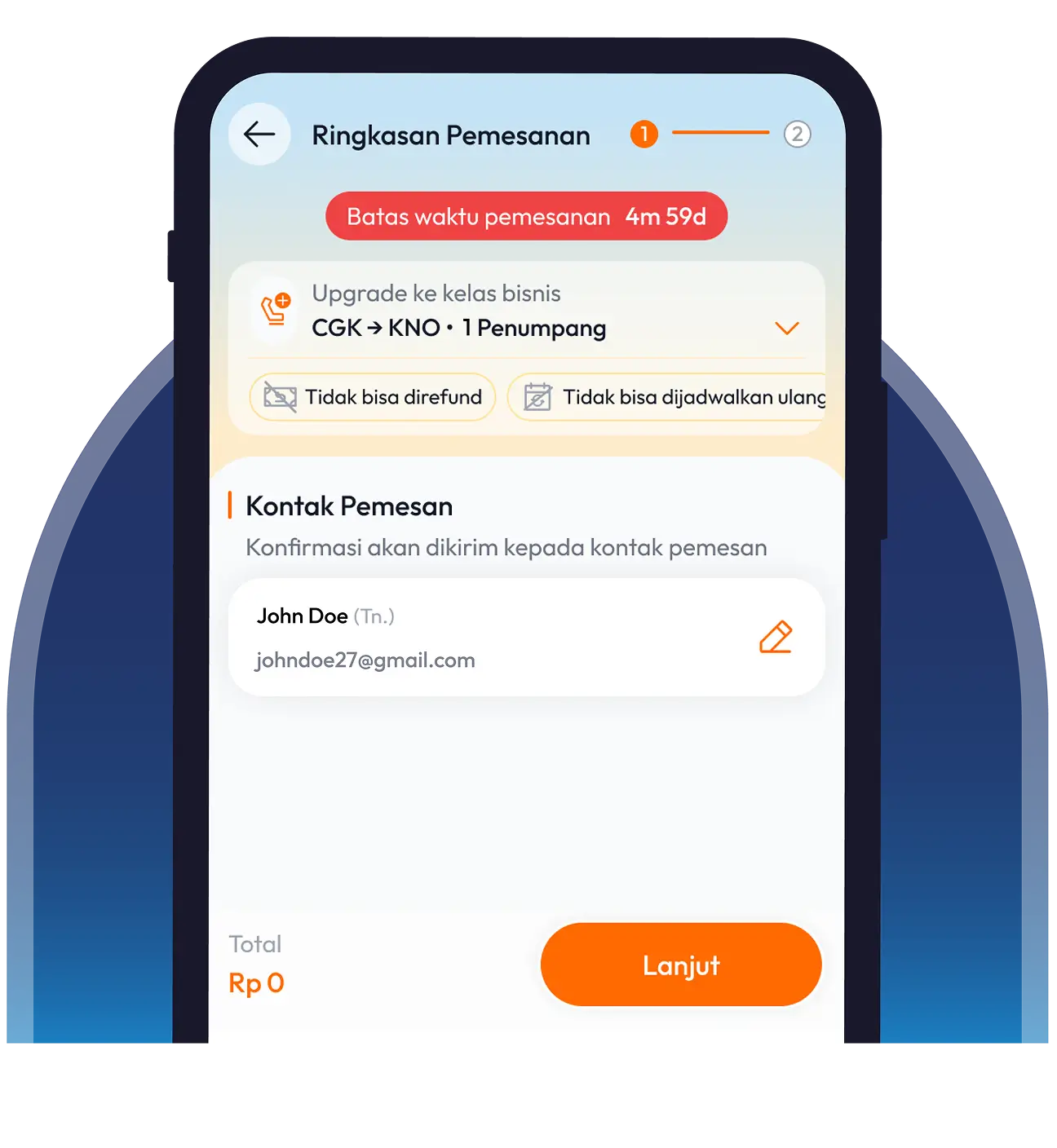
Isi data kontak pemesan dan klik “Lanjut”.
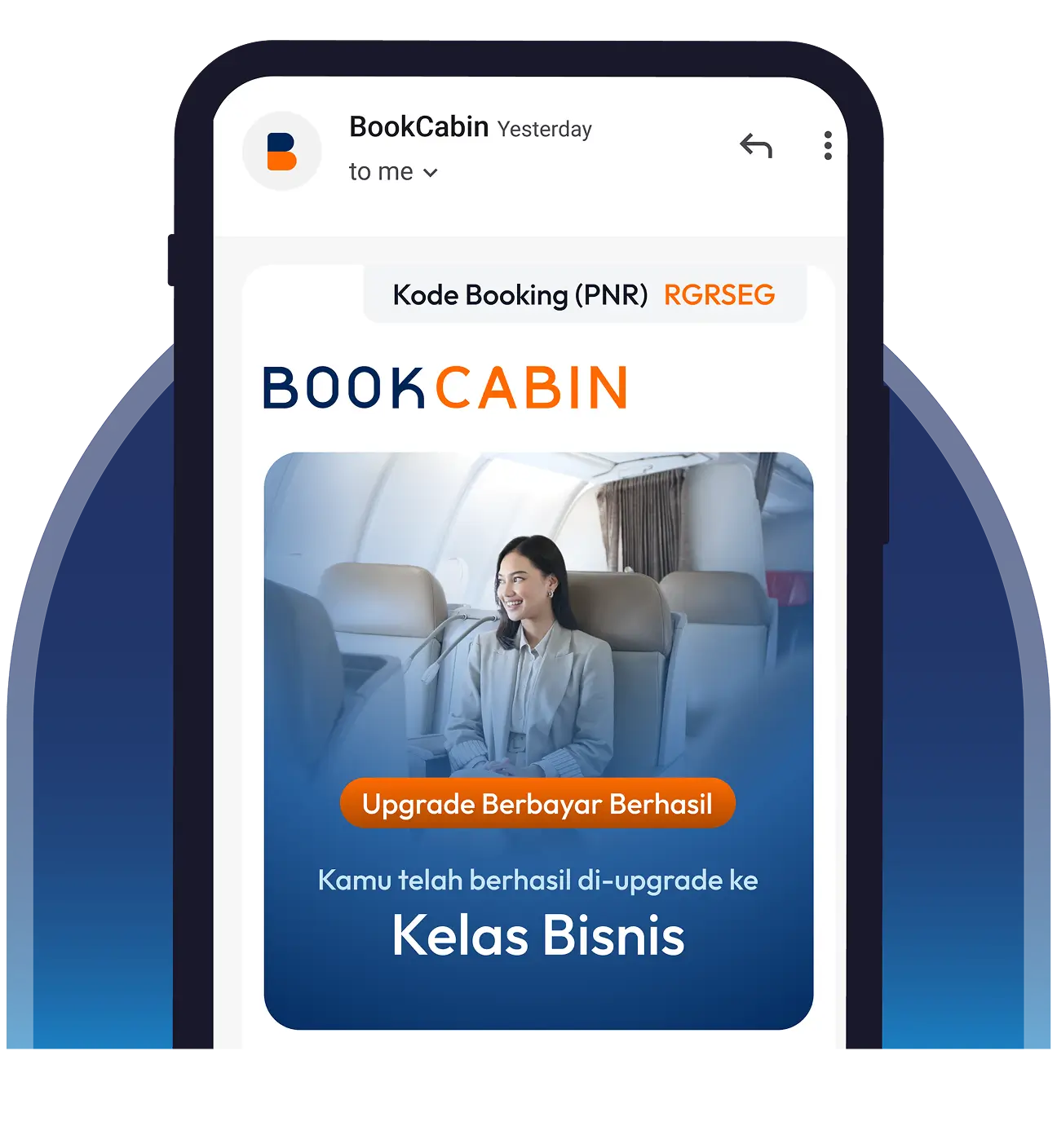
Cek email kamu untuk memastikan upgrade berhasil dilakukan.
Buka aplikasi atau website BookCabin dan klik menu “Pesanan”.
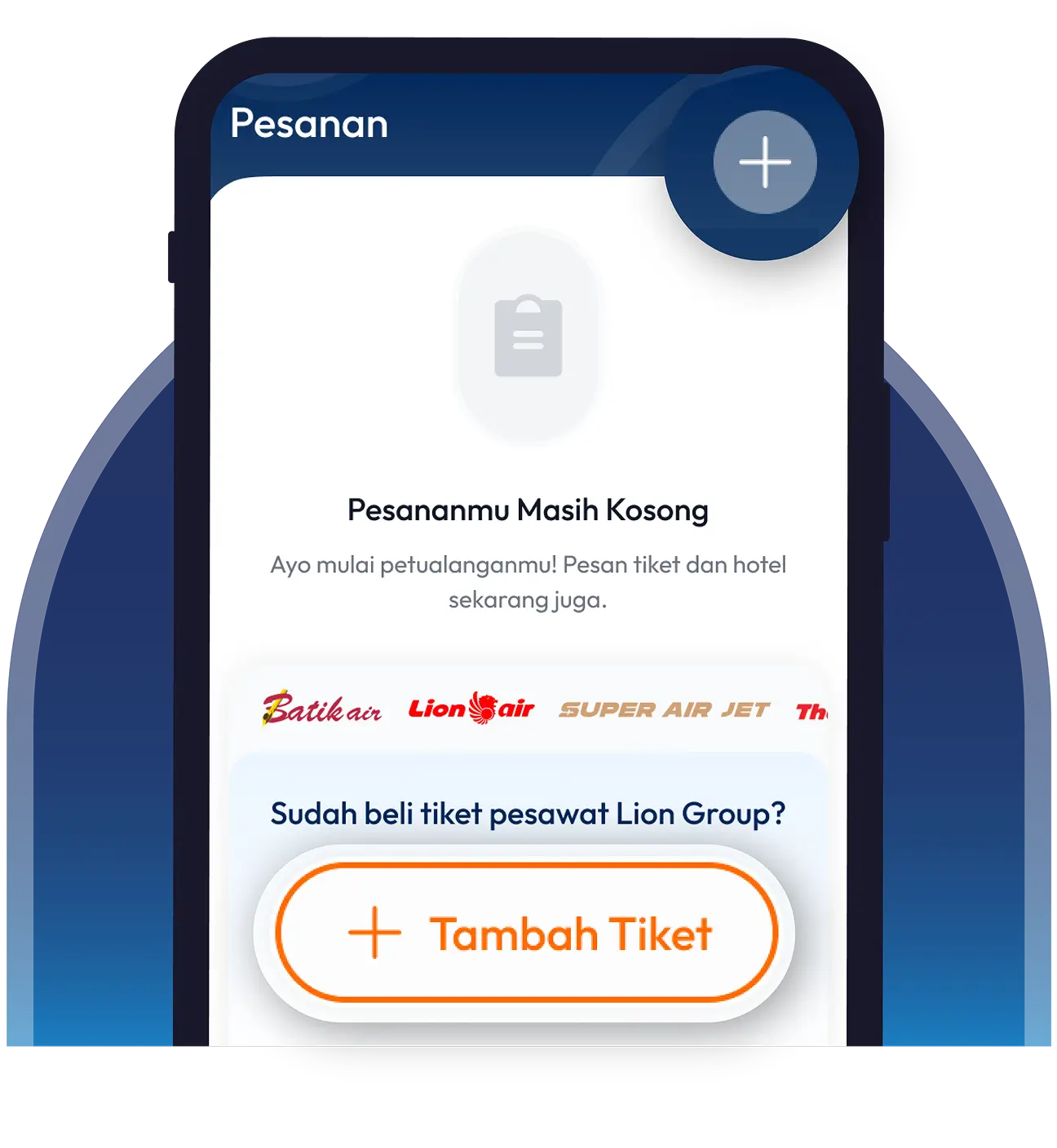
Klik tombol “+” atau “Tambah Tiket” lalu isi data pemesanan kamu.
Di halaman detail pesanan, scroll ke bagian bawah dan pilih “Upgrade ke Kelas Bisnis”.
Pilih penumpang yang akan dilakukan upgrade.
Isi data pemesan dan klik “Lanjut” lalu selesaikan pembayaran.
Cek email kamu untuk memastikan upgrade berhasil dilakukan.
Nikmati benefitnya:
Kursi lega & recline
lebih dalam
Masuk kabin lebih
awal
Buka aplikasi atau website BookCabin dan klik menu “Pesanan”.
Klik detail penerbangan yang akan dilakukan Last Minute Upgrade.
Di halaman detail pesanan, scroll ke bagian bawah dan pilih “Upgrade ke Kelas Bisnis”.
Pilih penumpang untuk upgrade. Jika memenuhi syarat, upgrade akan otomatis menjadi gratis
Isi data kontak pemesan dan klik “Lanjut”.
Cek email kamu untuk memastikan upgrade berhasil dilakukan.
Buka aplikasi atau website BookCabin dan klik menu “Pesanan”.
Klik tombol “+” atau “Tambah Tiket” lalu isi data pemesanan kamu.
Di halaman detail pesanan, scroll ke bagian bawah dan pilih “Upgrade ke Kelas Bisnis”.
Pilih penumpang yang akan dilakukan upgrade.
Isi data pemesan dan klik “Lanjut” lalu selesaikan pembayaran.
Cek email kamu untuk memastikan upgrade berhasil dilakukan.